Run VINFlow + Meta ads like your best strategist.
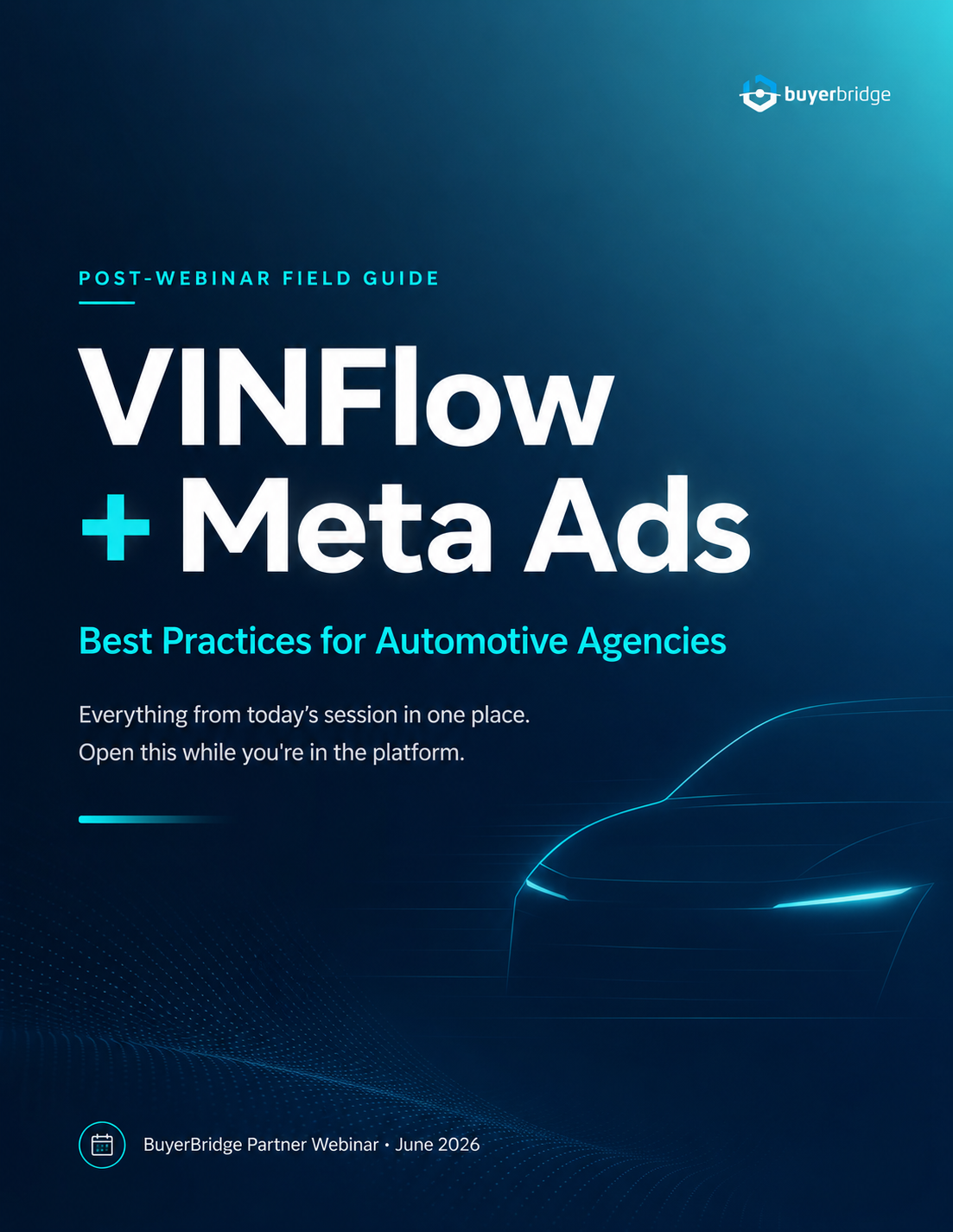
The product-set, retargeting, budgeting, and reporting moves our team uses to keep every dealer's spend working, without rebuilding campaigns in Ads Manager. 8 pages, 12-minute read. Flip through it below, or download the PDF for the team.
New to VINFlow? Start here, then work the plays.
Visit the Help CenterVINFlow Starting Guide
New to the tool? Begin here. Set up your account, connect a dealer's inventory, and launch your first product set, end to end. The 10-minute read every operator should do first.
How to Create a Product Set, Step by Step
The core workflow: group vehicles into a set and push it live.
Read article 02 How-ToBuild Product Sets Using Performance Filters
Auto-build sets from days-on-lot, price, and condition signals.
Read article 03 How-ToHow to Target Exact VINs in Product Sets
Paste a VIN list to advertise specific vehicles, nothing else.
Read article 04 TroubleshootingFix: Meta Retargeting Not Spending on Inventory Ads
Troubleshoot the most common reason retargeting budget stalls.
Read articleSell Meta VIN Control to Dealers (Editable Asset)
A co-brandable one-pager to pitch VIN-level control to your dealers. Customize it and send.
Want this running for your dealer clients by next quarter?
BuyerBridge ships pre-built VINFlow product sets, Meta retargeting, budget pacing, and a unified dashboard for KPIs, reports, and budgets.
Three ways to put this guide to work this week.
Rebuild one dealer's product sets
Start with days on lot, set a 15-vehicle minimum, and let the sets stay dynamic. The fastest way to stop spend from pooling into a handful of VINs.
Jump to page 3Get a stalled retargeting set spending
Set 25% minimum spend on the retargeting ad set, then work the five-point checklist for catalog match rate and duplicate pixels.
Jump to page 4Walk into the meeting with data
Open the Vehicle Advertising Report and read the spend curve. VIN-level proof of impact for the dealer, not just a spend summary.
Jump to page 6This guide is for BuyerBridge partners. The flipbook and PDF are unlisted, so please don't post the links publicly. Share them with your team and your dealer clients directly. Questions? Reach out to your Partner Experience Manager.