

It is Friday afternoon and your team is not doing strategy. They are pulling numbers out of Meta, then Google, then TikTok, dropping them into a template, and cleaning up the formatting so it looks right for the client. Agency client reporting is one of the biggest hidden time sinks in the business, and it repeats every month, for every client, whether or not it moves the needle.
Here is the good news. Reporting is one of the easiest parts of the job to fix. When you build it around outcomes, put every channel in one place, and let the pull happen on its own, agency client reporting stops eating your week and starts helping you keep clients longer. This guide shows you how.
Key Takeaways
- Agency client reporting is the reporting an agency sends its clients to show what their ad spend did across every channel.
- Manual reporting breaks as you add clients because the hours grow in a straight line with your client count.
- Good reports lead with outcomes the client cares about, like leads and cost per lead, not raw platform metrics.
- One cross-channel report beats sending three separate platform exports and makes your agency look like the expert.
- White-label, automated reporting turns a monthly chore into a retention tool, and BuyerBridge builds it in minutes.
On this page
What agency client reporting really costs you · Why manual reporting breaks at scale · What good agency client reporting looks like · Report on outcomes, not vanity metrics · Put every channel in one report · Make it white-label · Automate the pull · Manual vs automated · A simple 5-step system · FAQ
Client accounts one person can manage with automation
Pre-built campaigns in the Playbooks library
Agency accounts onboarded on the platform
What agency client reporting really costs you
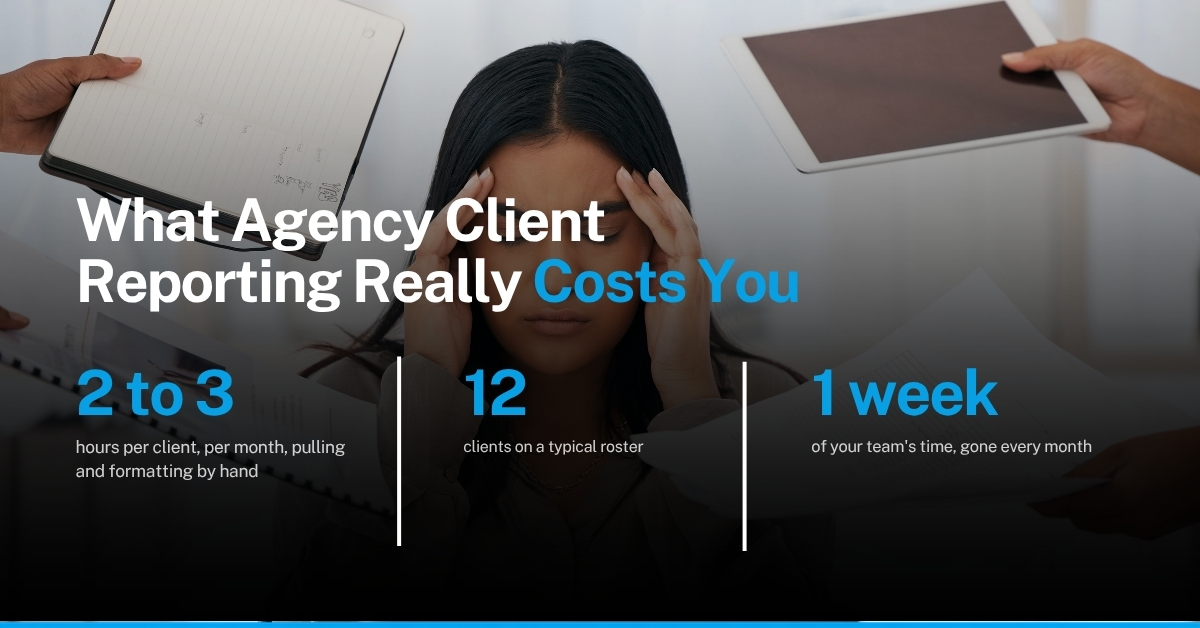
Most teams underrate how much time reporting takes because it is spread out. An hour here for one client, two hours there for another. Add it up across a full roster and it is often a full day or more every week. That is a day your team is not spending on strategy, creative, or landing the next account.
The cost is not just hours. It is focus. Reporting tends to land at the end of the month, right when your team is also trying to hit budget goals and plan the next cycle. Pulling numbers by hand at that exact moment is how mistakes slip in and how good people burn out.
There is a client-facing cost too. When a report is late, inconsistent, or hard to read, the client starts to wonder what they are paying for. Clean, on-time reporting is part of the service, not an afterthought. Fix the reporting and you protect the relationship.
Why manual reporting breaks as you add clients
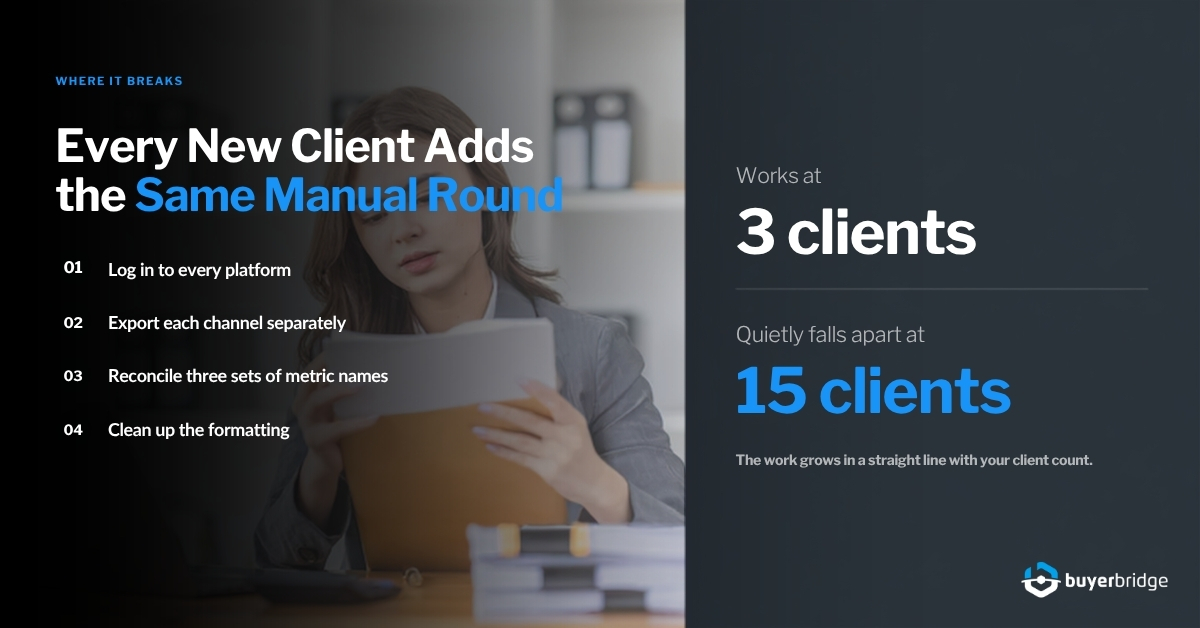
Manual reporting works fine when you have three clients. It quietly falls apart at fifteen. The reason is simple: the work grows in a straight line with your client count. Every new client adds another round of logins, exports, copy-paste, and formatting. Nothing about doing it by hand gets faster as you grow.
It gets worse when clients run on more than one channel. A dealer on Meta, TikTok, and Snapchat means three separate exports, three different metric names, and three formats to reconcile into one story. Multiply that by a roster and reporting becomes the thing that caps how many clients your team can carry.
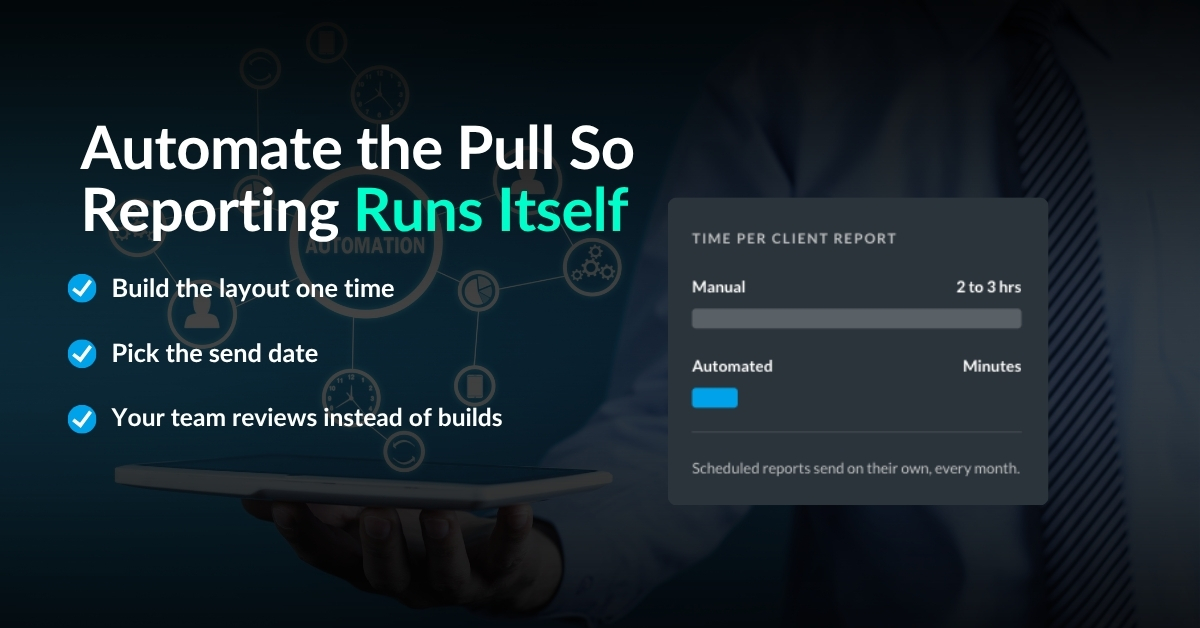
Teams often spend 2 to 3 hours per client every month pulling and formatting reports by hand. On a 12-client roster, that is a full work week gone.
This is the same wall that pushes agencies to hire before they need to. The fix is not another person to do the copy-paste. The fix is to stop doing the copy-paste at all.
What good agency client reporting looks like
Strong agency client reporting has four traits, and none of them are about fancy design. A good report is fast to produce, easy to read, focused on outcomes, and consistent month to month. If a report has those four, the client trusts it and your team does not dread it.
Fast to produce means it does not depend on one person having a free afternoon. Easy to read means the client sees the answer to “did my money work” in the first ten seconds. Focused on outcomes means leads and cost per lead sit at the top, not impressions. Consistent means the same layout every month so the client learns to read it at a glance.
Notice what is missing from that list: more metrics. The instinct to add every number you can pull is what makes reports slow to build and hard to read. A great report says less, more clearly.

Report on outcomes, not vanity metrics
Impressions and reach feel good in a report, but they do not answer the question your client is actually asking. A dealer wants to know how many leads came in, what each one cost, and whether the spend helped move cars. Lead your report with that, and the rest becomes supporting detail.
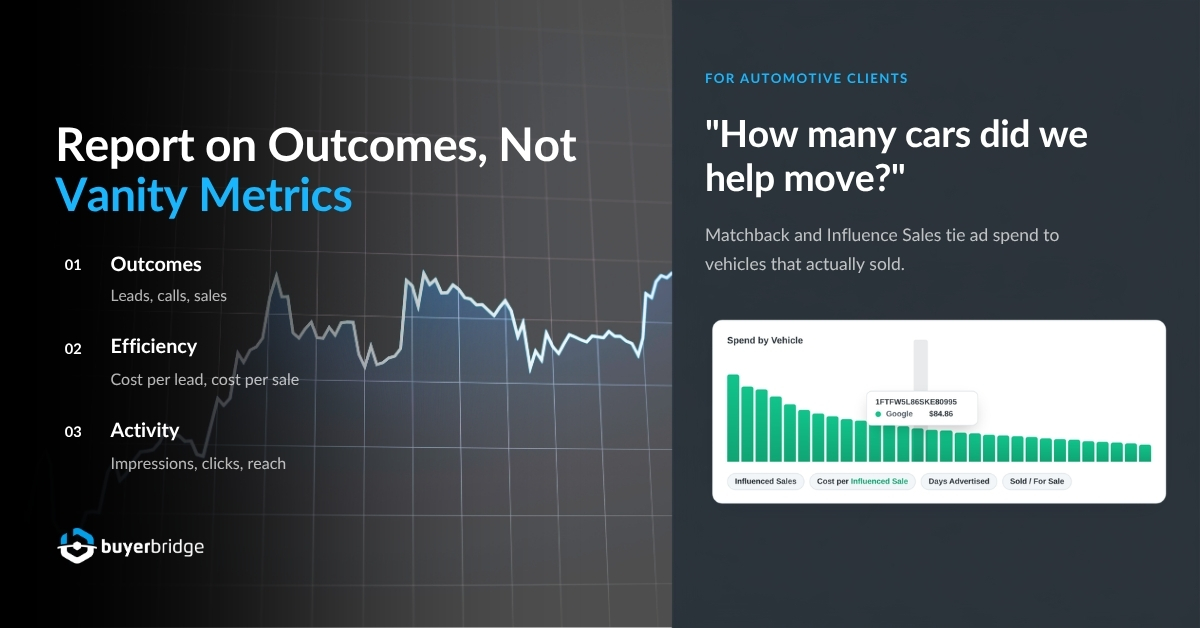
A simple way to structure it: outcomes first, efficiency second, activity last. Outcomes are leads, calls, and sales. Efficiency is cost per lead and cost per sale. Activity is impressions, clicks, and reach. When you order it this way, even a client who never reads past the first section walks away with the answer that matters.
For automotive clients, this is where offline matchback and Influence Sales carry real weight. Tying ad spend to vehicles that actually sold changes the conversation from “how much did we spend” to “how many cars did we help move.” That is the report a dealer keeps paying for. You can see how to structure the whole roster around this in our guide on how to scale a digital marketing agency without adding headcount.
Put every channel in one report
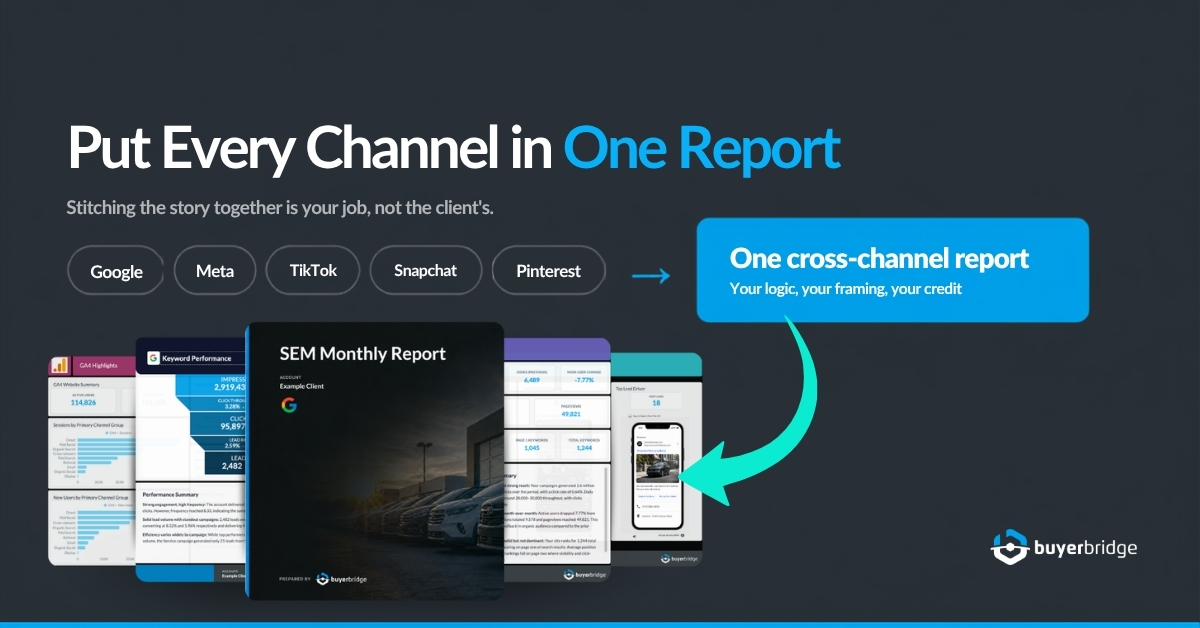
If your client runs on three channels and you send three reports, that is a presentation problem, not a data problem. The client has to do the work of stitching the story together, and stitching is your job, not theirs. One cross-channel report is a stronger deliverable and far less work once it is set up.
One report also makes your agency look like the source of results. When the numbers arrive as three platform exports, the platforms get the credit. When they arrive as one clean report with your logic and your framing, you do. That framing is quiet, but it is a big part of why clients renew.
This is where a single dashboard earns its keep. When every client and every channel already live in one campaign management dashboard, the report is a byproduct of the work, not a separate project. Cross-channel attribution is easier to get right too, and you can double-check the underlying setup in Google Analytics 4 documentation if a client asks how conversions are counted.
Spending your Friday afternoons pulling reports across Meta, Google, and TikTok?
BuyerBridge puts every client’s performance in one dashboard, exportable in minutes and white-labeled with your agency’s name. See a real cross-channel report built live in 30 minutes.
Make your agency client reporting white-label
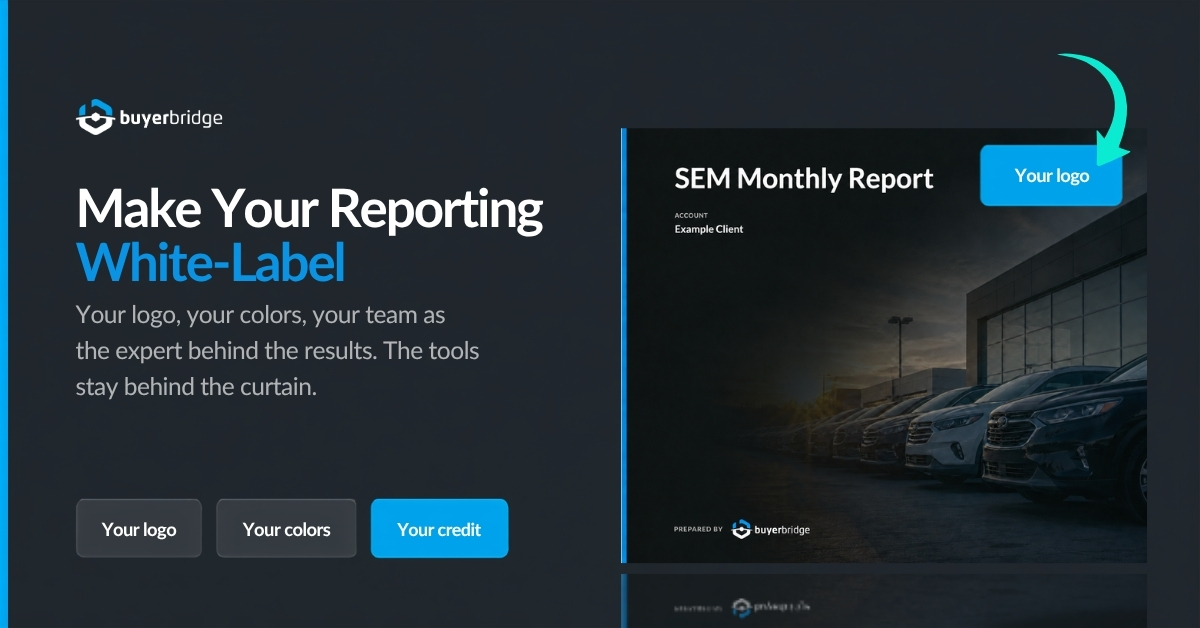
White-label reporting is a small change with a big effect. When the report carries your agency’s logo and colors instead of a platform’s, the client sees your team as the expert behind the results. It also keeps the tools you use behind the curtain, which is exactly where they belong.
There is a retention angle here that is easy to miss. Clients who clearly see their results, presented under your brand, stay longer and give you more room to raise scope. A branded report is not just cosmetic. It is part of how you hold and grow the account.
Why agencies choose BuyerBridge for reporting
White-label cross-channel reports built in minutes, not hours. Every channel you run in one dashboard, so the report is a byproduct of the work. 250+ pre-built Playbooks to launch campaigns fast, VINFlow to hold budget at the VIN level, matchback and Influence Sales to prove real results, and onboarding that gets a new client live in under a week. Agencies go from spending 2 hours on a task to under 15 minutes, and manage 25 or more accounts with the same team.
Automate the pull so reporting runs itself
The last step is the one that gives you the most time back. Once the report is built around outcomes, lives in one place, and carries your brand, the only thing left is the pull. Automate that, and reporting stops being a task on anyone’s list.
Scheduled reports are the simplest version. You set the layout once, pick the send date, and the report goes out on its own every month. Your team reviews it instead of building it. That single change is what turns a full day of reporting work into a quick review.
If you want to see the size of the opportunity in a client’s market before you even report on it, the free MarketAnalyzer report shows spend and audience estimates by channel in a couple of minutes. It is a useful way to set expectations with a client at the start, so your monthly reporting has a baseline to point at.
Manual vs automated agency client reporting
Put the two ways of working side by side and the case is obvious. Manual reporting is not just slower. It caps how many clients one person can carry and adds risk every month.
| Task | Manual reporting | Automated with BuyerBridge |
|---|---|---|
| Build one client report | 2 to 3 hours of pulling and formatting | Minutes, exported from one view |
| Multi-channel clients | One export per platform, stitched by hand | Every channel in one report |
| Branding | Platform logos, your team hidden | White-label with your agency’s name |
| Sending | Manual, easy to forget or run late | Scheduled to send on its own |
| Proof of sales | Clicks and impressions only | Matchback and Influence Sales for real results |
The manual column is why reporting feels like a wall. The automated column is how a lean team reports for a full roster without losing a day to it.
A simple 5-step agency client reporting system
You do not need to rebuild everything at once. Work through these five steps in order and each one gives your team back hours you can point at new clients.
- Pick your outcome metrics. Decide the three to five numbers every client report leads with, like leads, cost per lead, and sales.
- Build one template. Create a single layout that works for every client so nobody starts from a blank page.
- Consolidate your channels. Move every client and platform into one dashboard so the data is already together.
- White-label it. Put your agency’s logo and colors on the report so your team gets the credit.
- Schedule the send. Automate the pull and delivery so reporting becomes a quick review, not a build.
Do these in sequence and reporting stops capping your growth. Your team reviews reports instead of building them, and you get your Fridays back. The same pattern shows up across ad ops, which is why automating the campaign work matters just as much. See our companion guide on PPC automation tools built for agencies.
Frequently asked questions
What is agency client reporting?
Agency client reporting is the report an agency sends its clients to show what their ad spend produced across every channel. A strong report leads with outcomes like leads, cost per lead, and sales, then shows supporting activity like clicks and impressions. Done well, it proves the agency’s value and helps keep clients longer. BuyerBridge builds these reports across all channels in one view.
How long should agency client reporting take?
By hand, most teams spend 2 to 3 hours per client every month pulling and formatting data, which does not scale. With an automated, cross-channel tool, a full client report is built in minutes from a single dashboard and can be scheduled to send on its own. The goal is to turn reporting from a build into a quick review.
What metrics belong in a client report?
Lead with outcome metrics the client cares about: leads, calls, sales, and cost per lead or cost per sale. Put activity metrics like impressions, clicks, and reach lower as supporting detail. For automotive clients, include offline matchback or Influence Sales so the report ties ad spend to vehicles that actually sold, not just clicks.
What is white-label reporting and why does it matter?
White-label reporting means the report carries your agency’s logo and colors instead of a platform’s. It matters because the client sees your team as the source of results, and the tools you use stay behind the curtain. Branded reporting is also a retention tool. Clients who clearly see their results under your brand tend to stay longer and give you room to raise scope.
Can one report cover Meta, Google, and other channels?
Yes. When every client and channel lives in one dashboard, a single cross-channel report can cover Meta, Google, TikTok, Snapchat, Pinterest, and more. This is stronger than sending separate platform exports because the client sees one clear story instead of stitching three reports together. BuyerBridge is built to produce this cross-channel report in minutes.
The bottom line
Agency client reporting does not have to eat your week. Build it around outcomes, put every channel in one white-label report, and automate the send. Your team reviews reports instead of building them, and clients see exactly what they are paying for.
If you want to see what that looks like in practice, we can walk you through it. Book a 30-minute demo and we will show you a real cross-channel report built live in minutes.
Written by Emily Leasure, Product Marketing Manager at BuyerBridge. Connect on LinkedIn.