Multichannel Marketing Automation for Paid Ads
Multichannel marketing software that lets you build an ad once, preview it on every channel and launch it to Meta, TikTok, Snapchat and Pinterest.
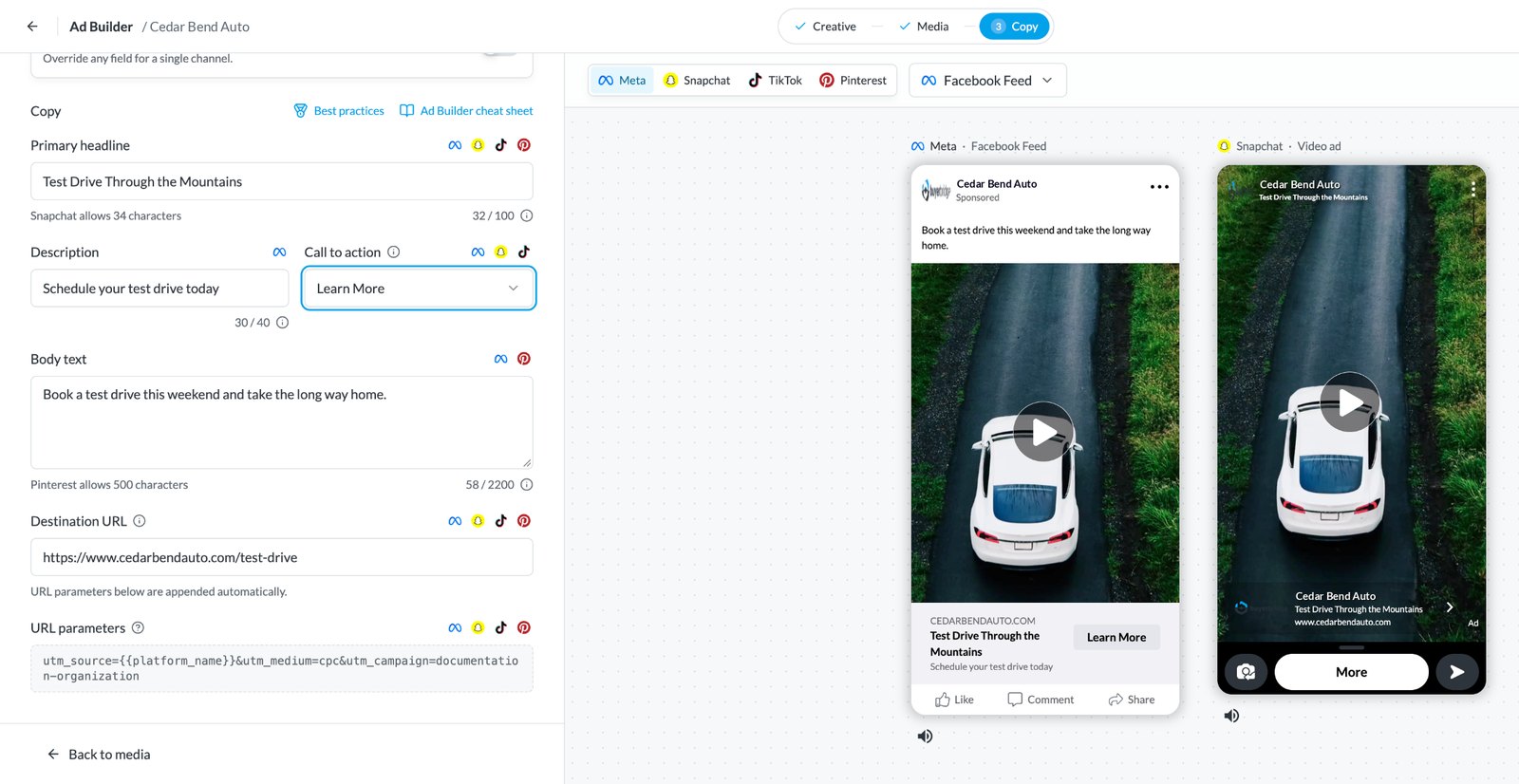
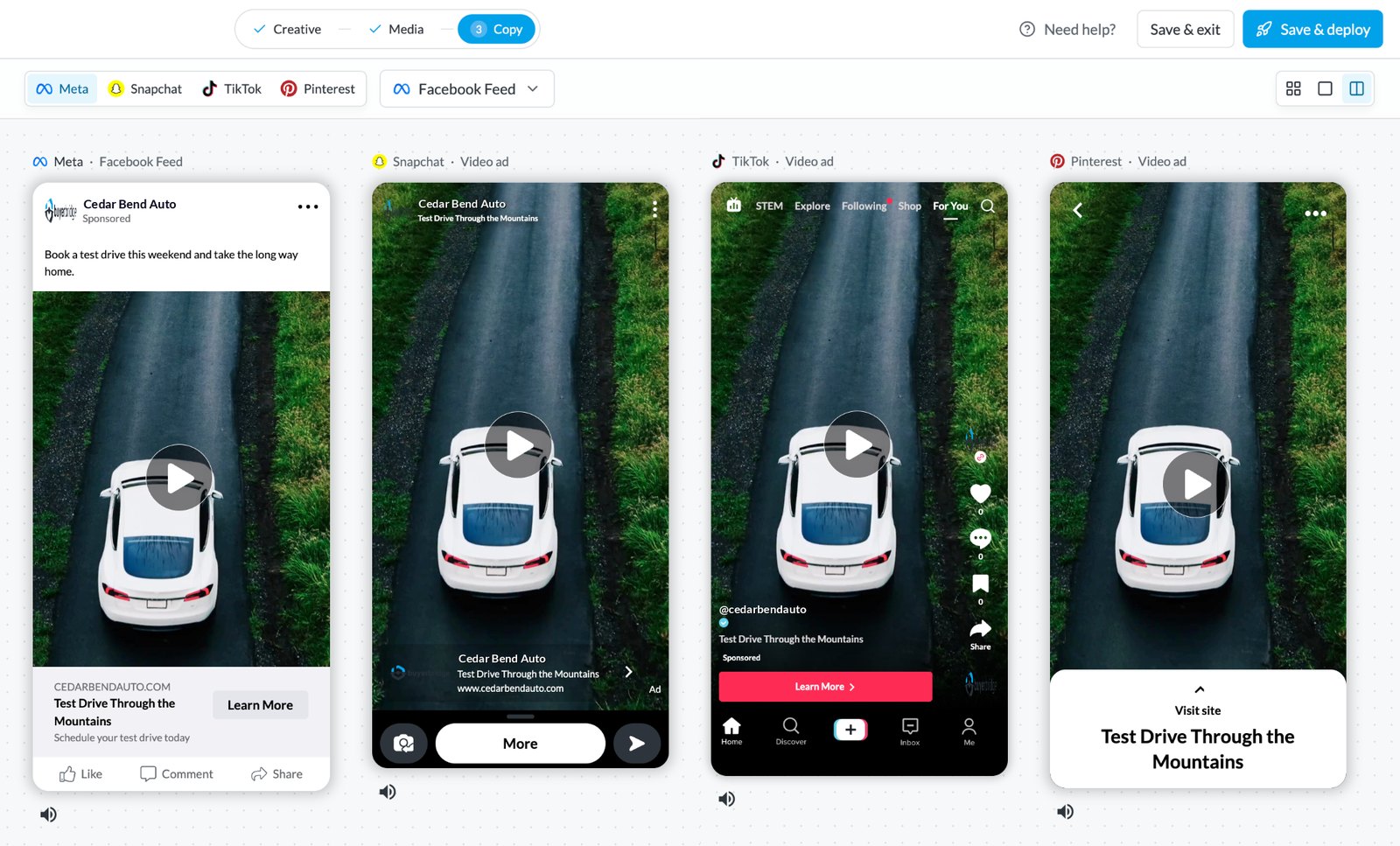
Upload the creative, write the copy and watch it render in each placement before anything goes live. No rebuilding the same ad four times in four ad managers.
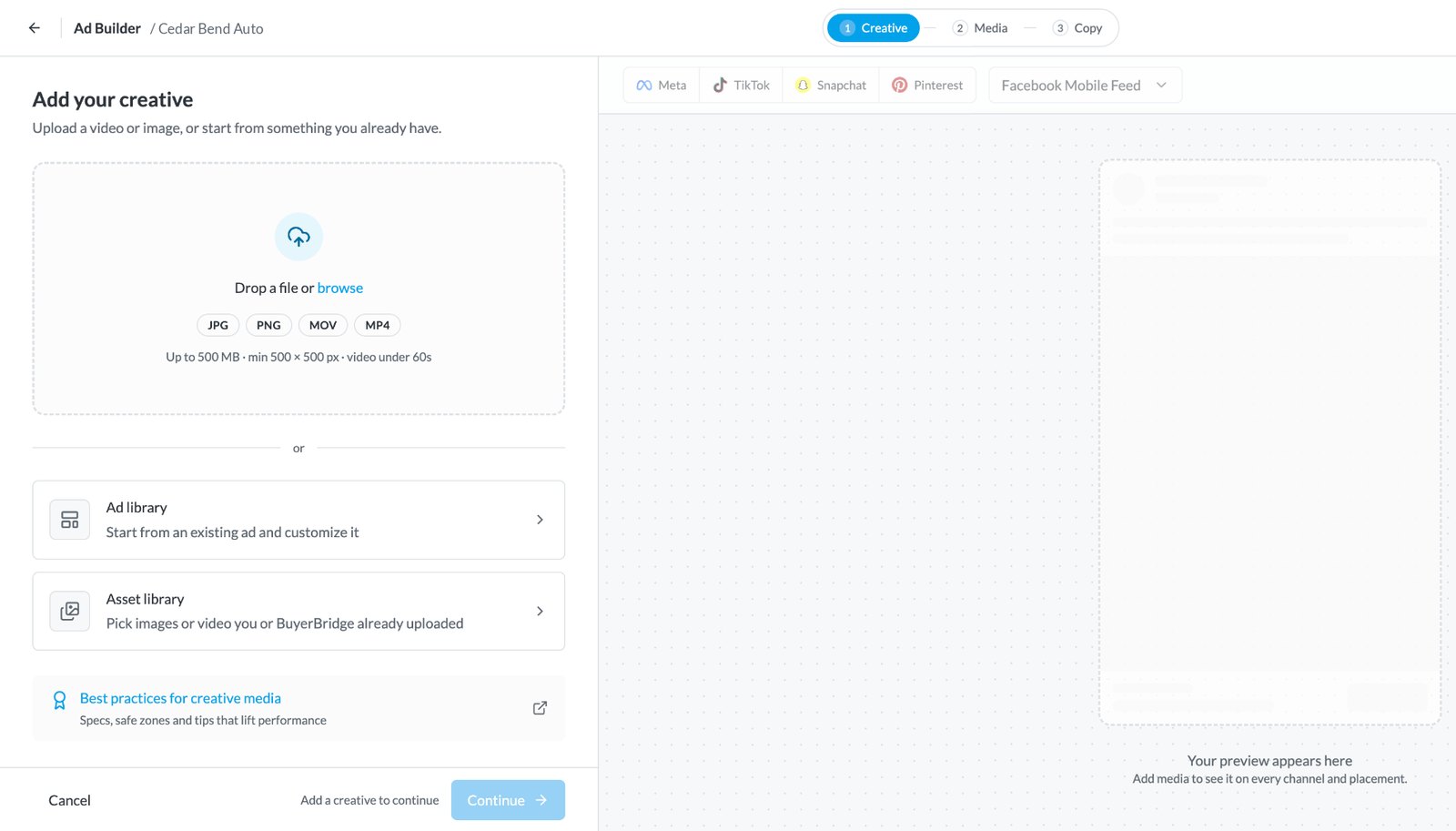
Add your creative
Media styles
 Meta
Meta Pinterest
 TikTok
 Snapchat
Ad copy
MetaTikTokSnapchatPinterestMeta · Facebook FeedSnapchat · Video adTikTok · Video adPinterest · Video adWhat Multichannel Marketing Automation Does for Paid Ads
Multichannel marketing automation tools let a team build an ad once and send it to several ad platforms without redoing the setup in each one. Each platform has its own sizes, copy limits and ad manager. Building natively means the same ad gets made four times.
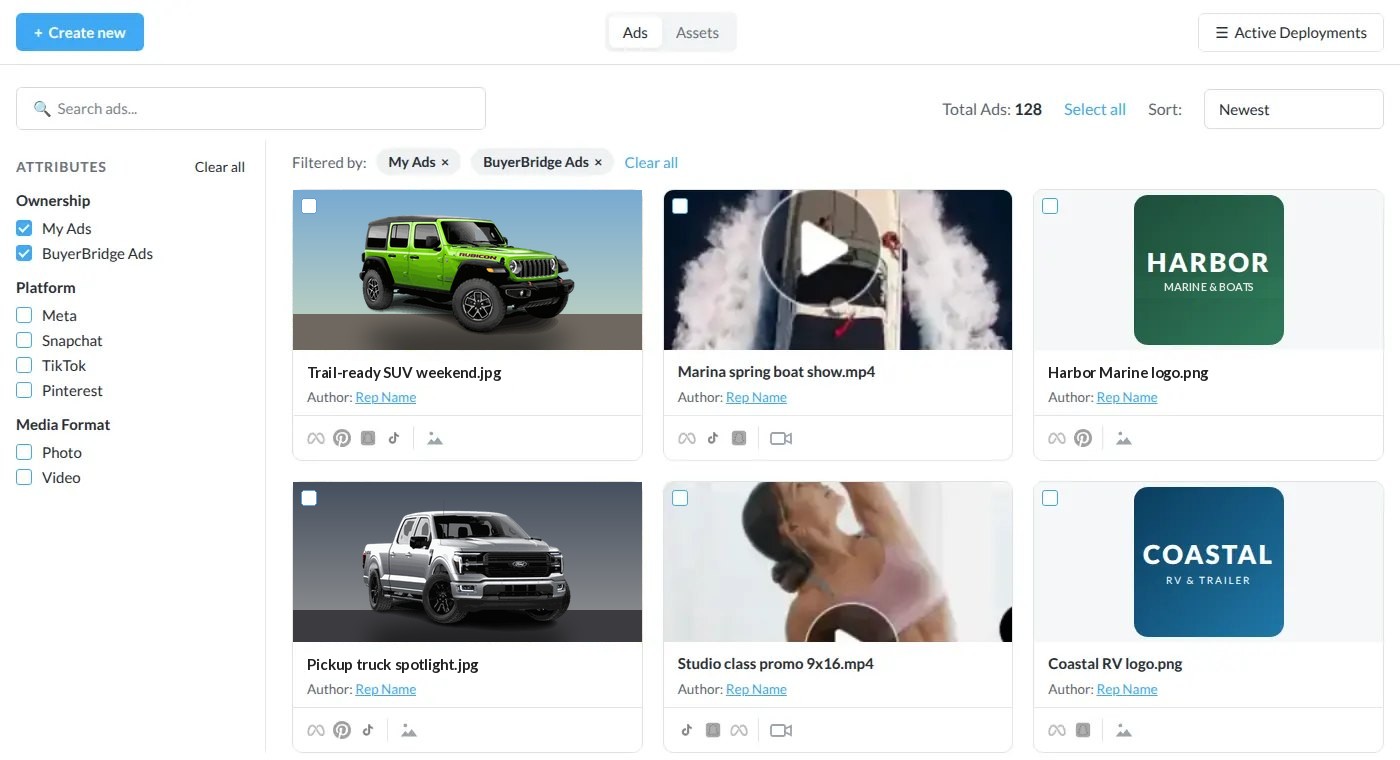
BuyerBridge is a multichannel marketing automation platform that splits the work into three tools that pass to each other. The Ad Library holds your creative, the Ad Builder formats and previews it for every placement, and the Ad Launcher sends it live. It's the same flow whether the client sells boats, moves trailers or runs a car dealership. New to automating social ads? Start with our guide to marketing automation tools for social ads.
Keep Every Client's Creative in One Ad Library
Upload images and video once, then pull them into any ad for any account. No more digging through shared drives or re-uploading the same logo for every campaign. Running ads for dozens of stores or rooftops? See multi-location ad automation.
- Images and video. JPG, JPEG and PNG images, plus MOV and MP4 video up to 500MB and under 60 seconds.
- Reuse across accounts. Approved assets stay ready for the next build.
- Listing feeds, too. Run ads from listing feeds, like vehicle feeds for cars, trucks, trailers and boats.
- Stock to start. Browse the Asset Library when a client hasn't sent creative yet.
One Creative, Formatted for Every Placement
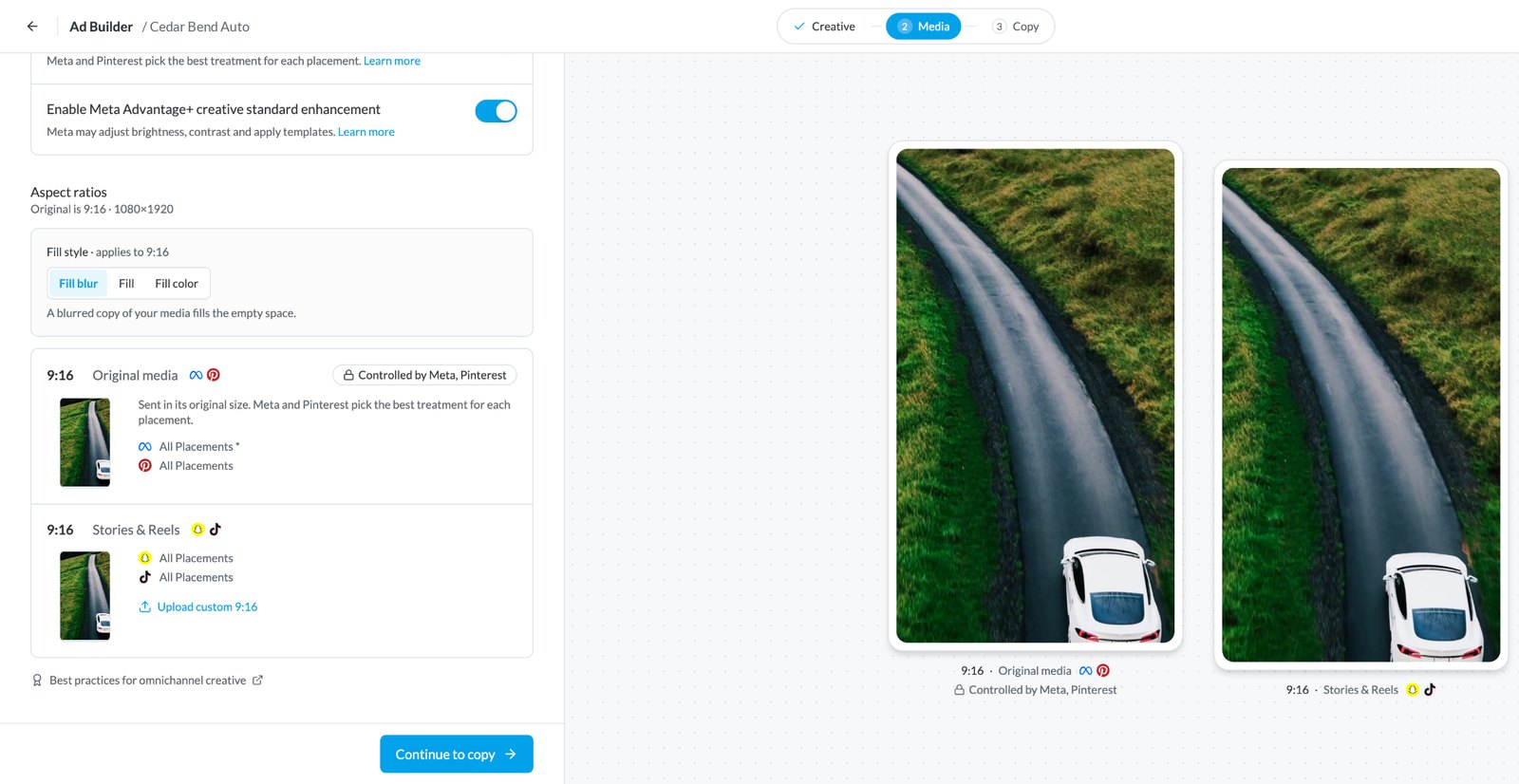
Feed, Stories and pins all want different shapes. The Ad Builder formats the same creative for each channel's specs, so one listing photo still fills a vertical TikTok or Snapchat ad.
Every platform publishes its own sizes, like Meta's aspect ratio guidance and TikTok's in-feed ad specs. Choose how the space gets filled: a blurred fill, a stretch fill or a solid brand color. Or let each channel decide, or upload a custom version for a single placement when the client wants it pixel perfect.
Book a Demo 1:1
1:1From Upload to Launch in Six Steps
Real screens from the Ad Builder. Click a step or let it play.

How Many Builds Does Your Team Repeat?
Native ad managers make you build the same ad once per channel. Count the repeats and put a price on them.
Manual work is already a big slice of the week. Campaign managers spend 26% of their time, over 10 hours a week, on manual optimizations, according to DoubleVerify's 2025 Global Insights survey of 1,970 marketing decision-makers.
Assumes one native build per channel versus one build per ad in BuyerBridge. Illustration only: your numbers depend on your creative, channels and team.
"We went from spending 2 hours building campaigns to under 15 minutes."BuyerBridge agency partner
Running Car Dealership Ads? Add Playbooks and Inventory Ads
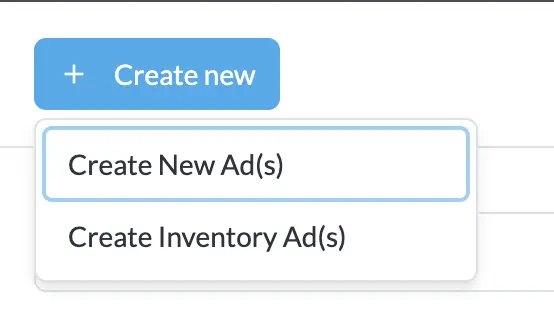
Automotive agencies get two extra paths on top of the Ad Builder. Playbooks are a library of ready-made dealership campaigns with copy, creative and objectives already set. Inventory ads build from the dealer's vehicle feed in eight guided steps.
Running monthly OEM incentives? Start from a Skeleton Playbook and swap in new copy and assets each month instead of rebuilding.
Where the Ad Builder Fits in Your Workflow
Once ads are live, manage them in campaign management software built for every paid channel. Running ads for many clients? See PPC management software for agencies, then share results with white-label marketing reporting.
Multichannel Marketing Automation FAQ
What are multichannel marketing automation tools?
Multichannel marketing automation tools let you build an ad once and send it to several ad platforms without redoing the setup in each one. In BuyerBridge that means the Ad Library, Ad Builder and Ad Launcher working as one flow for Meta, TikTok, Snapchat and Pinterest.
Which channels does the Ad Builder support?
The Ad Builder creates ads for Meta (Facebook and Instagram), TikTok, Snapchat and Pinterest. Google campaigns run through BuyerBridge’s Google Ads automation tools.
Can I write different copy for each platform?
Yes. Use the same copy on every channel, or switch to per-channel copy when a platform needs a shorter headline or a different call to action.
How does auto-formatting work?
The Ad Builder formats one creative to each placement’s size, including vertical 9:16 for Stories, TikTok and Snapchat. Pick a fill style (fill blur, fill or fill color), let each channel control the style, or upload a custom version for a single placement.
What files can I upload to the Ad Library?
Images in JPG, JPEG or PNG, and video in MOV or MP4 up to 500MB and under 60 seconds. A stock Asset Library is there when a client hasn’t sent creative yet.
Can I preview ads before they go live?
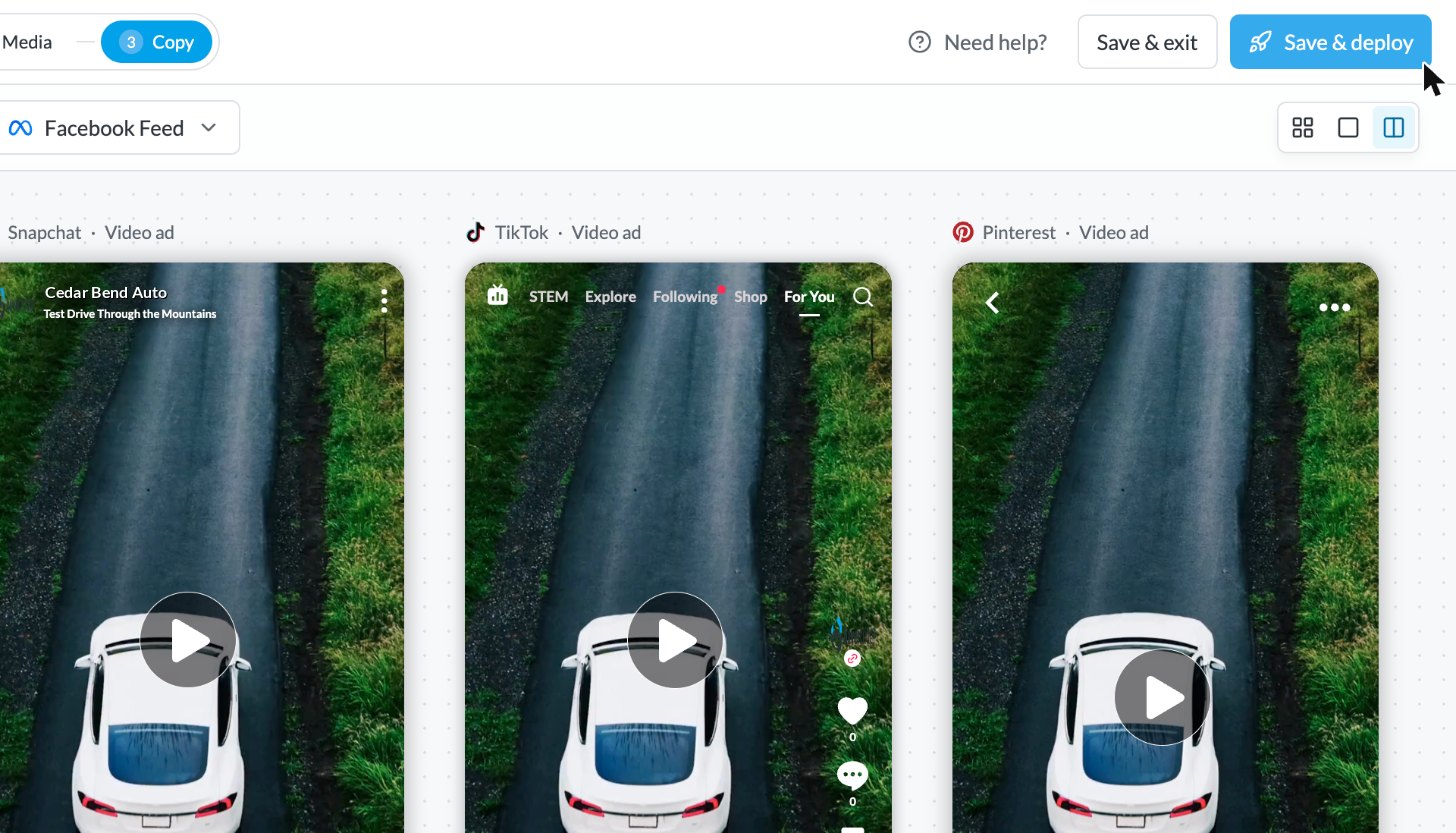
Yes. The builder shows each ad in its real placements side by side, so you can check crops and copy before you hit Save & Deploy. You get an email when the launch finishes.
Is the Ad Builder only for car dealerships?
No. Agencies use it for any client running paid social. Automotive accounts get extras on top: a library of ready-made Playbooks and inventory ads built from a dealer’s vehicle feed.
Does BuyerBridge work with product feeds?
Yes, for listing feeds rather than retail SKU catalogs. Agencies run ads from vehicle feeds for cars, trucks, trailers and boats, plus other listing feeds BuyerBridge can map. Automotive accounts can also build inventory ads from a dealer’s vehicle feed.
How is this different from building in each native ad manager?
Native ad managers make you build the same ad once per channel. With BuyerBridge you build it once, preview every placement and launch to all selected channels from one screen. Once it’s live, manage it in campaign management software next to the rest of your campaigns.
Build Your Next Ad Once, Not Four Times
Book a 30-minute demo and we'll build an ad with your creative and preview it on every channel.
Book a Demo