
Google Vehicle Listing Ads for Every Dealer You Manage
Turn each dealer's inventory feed into VLAs on Google, then pick which cars get the budget.
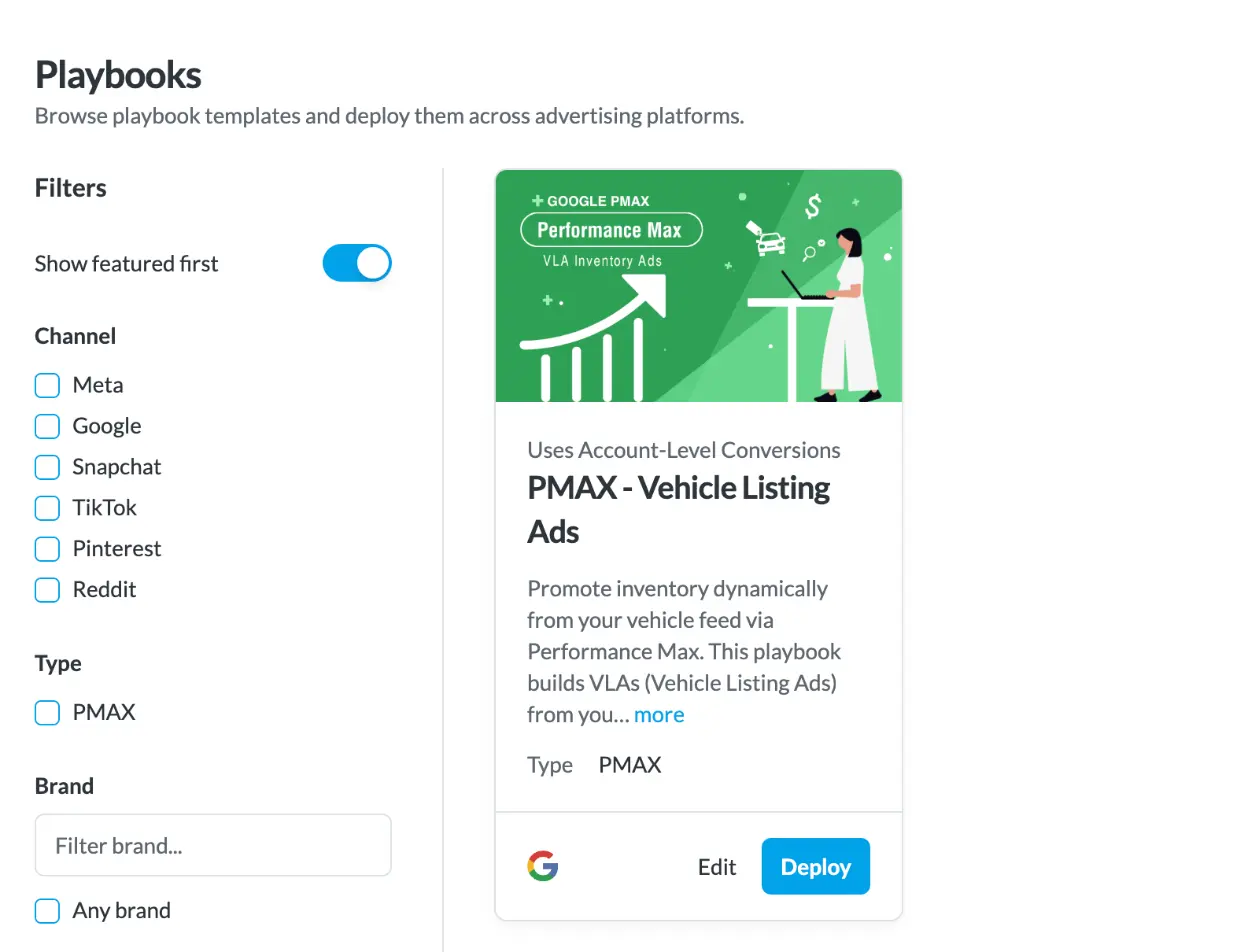
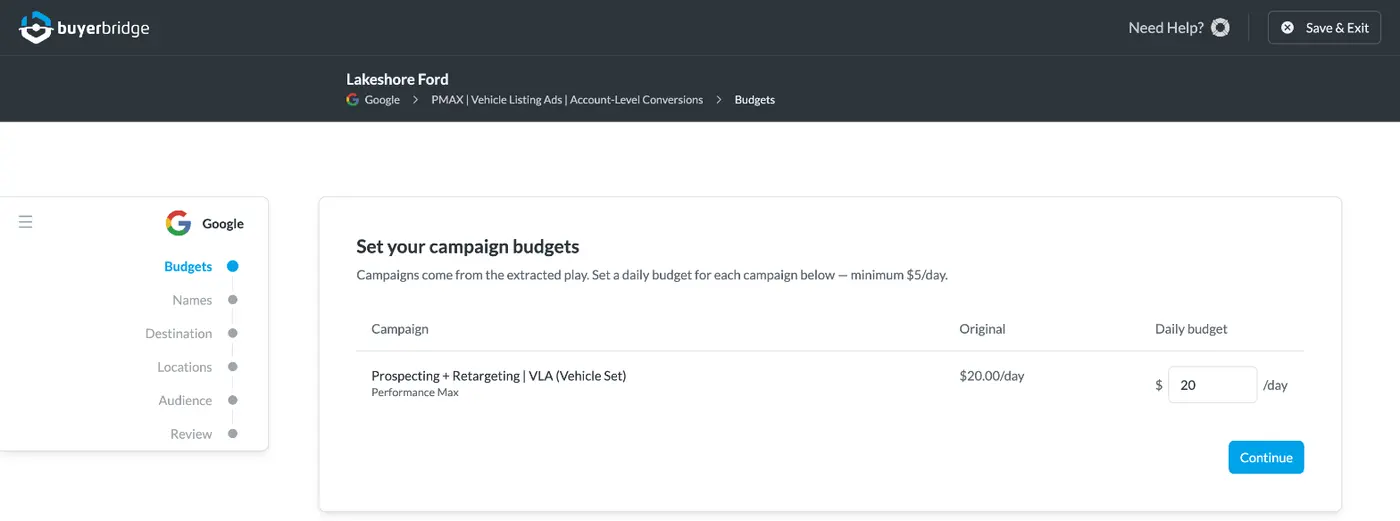
BuyerBridge links Merchant Center, uploads the vehicle feed and deploys the PMax VLA Playbook in a few guided steps. You choose the product set and the area. Google builds the ads from the feed, so there are no headlines to write.
What Are Google Vehicle Listing Ads?
Google Vehicle Listing Ads (VLAs) are ads built from a dealer's inventory feed. Each one shows a photo of the actual car with its price, make, model, mileage and the dealer's name. A click opens that car's VDP on the dealer site.
Google calls them vehicle ads. They run through Performance Max, and Standard Shopping can serve them too.
- New and used passenger cars and pickups
- Fully released in the US, Canada, Australia and Japan
- The feed drives the ad, so prices and stock stay current
Does Google Spread VLA Budget Across the Lot?
Not evenly. We looked at 19 dealer accounts running Google inventory campaigns in BuyerBridge over 30 days. In the typical account, the top 20% of vehicles took about two thirds of the vehicle spend.
That's less lopsided than Meta, but a third of the cars still get most of the money. Product sets decide which cars are in that pool to begin with, and BuyerBridge reports Google spend per VIN so you can check your own accounts.
Source: BuyerBridge data, 19 dealer accounts, Google vehicle-level spend, 30 days. Medians shown. Base is vehicles with spend.
How Do You Launch Google VLAs in BuyerBridge?
Onboard Google once per dealer. After that, every VLA campaign is a Playbook deploy.
 Onboard GoogleConnect Google Ads, Merchant Center, Business Profile and GA4. BuyerBridge uploads the vehicle feed.
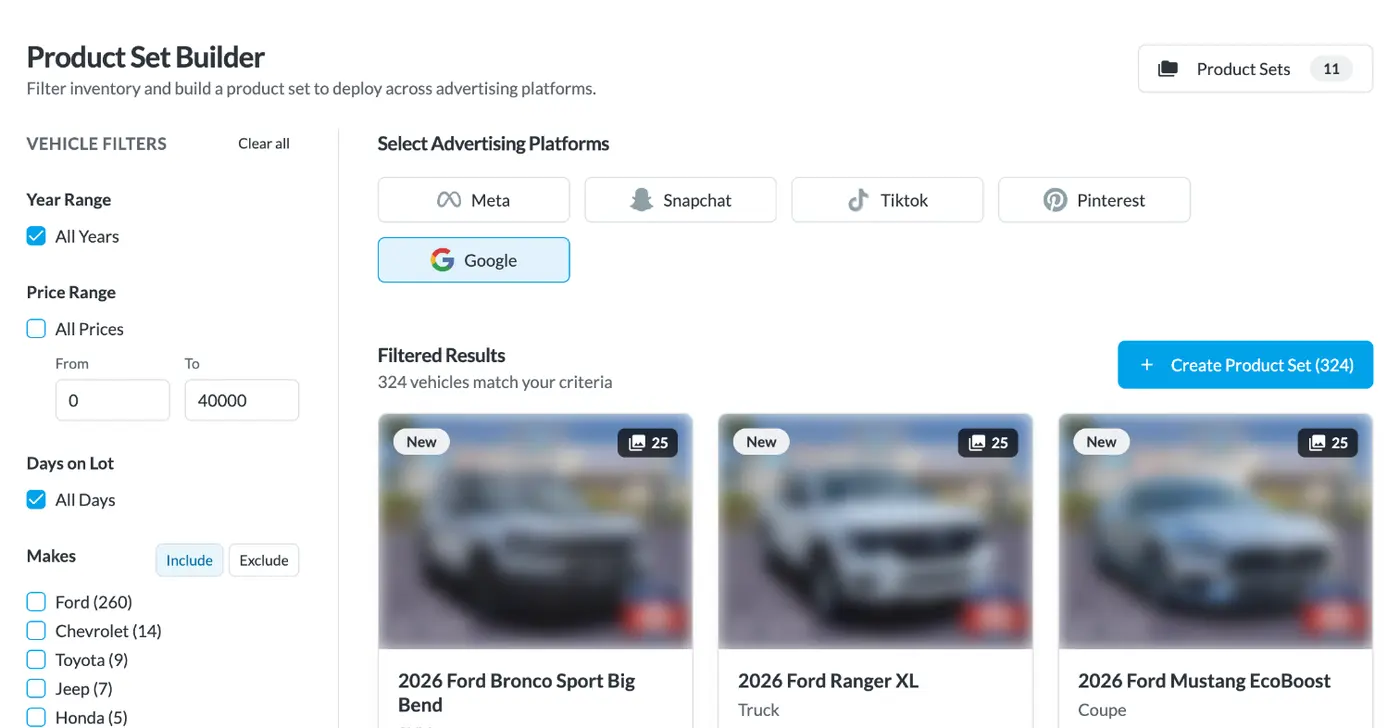
 Build a product setAll inventory or a narrower group, like used trucks 45+ days on lot.
 Deploy the PMax VLA PlaybookSet the daily budget, landing page and location. Search themes fill in from the set.
 Review, then go liveCampaigns deploy paused. Turn it on once Merchant Center approves the cars.
What Does Google Need in a Vehicle Feed?
VLAs are only as good as the feed. Missing fields and bad photos are the top reasons cars never show.
- ID, unique to each vehicle
- Title and description
- Price
- Link to the car's VDP
- Condition: new or used
- Availability and an image link
- Merchant Center linked to Google Ads
- Feed approved in Merchant Center
- A store code for each rooftop
- Photos of the actual car, not stock or AI images
- A square business logo
- Passenger cars and pickups only
BuyerBridge pulls the feed from 90+ inventory providers and uploads it to Merchant Center for you.
Which Cars Should Get VLA Budget?
Every Google inventory Playbook needs a product set. It decides which cars from the feed can show as VLAs, and BuyerBridge builds the search themes and audience segments from it.
Days on lot
Give aged units their own campaign before they cost the dealer more.Filter: days on lot 45+
Used trucks
Keep high-demand body styles in their own set with their own budget.Filter: body type truck, condition used
Price band
Split budget cars from luxury units so each gets the right shoppers.Filter: price under $20K or over $60K
A VIN list
Paste the exact VINs the GM wants gone this month.Filter: VIN list
Target VLAs by County, ZIP or DMA
Pick a radius around the store, or target by address, county, ZIP or DMA. Mix them in 1 campaign when a dealer's market doesn't fit a circle.
A dealer that pulls buyers from 3 counties and a neighboring metro gets exactly that area, not a circle drawn around the store.
Vehicle Listing Ads vs. Search Ads for Dealers
Most dealers need both. They catch different shoppers.
Keywords you pick
The inventory feed
Headlines and descriptions you write
None. Photo, price and miles come from the feed
Brand, model, service and parts searches
Shoppers looking at specific cars
Keywords and negatives
Product sets and location
Text ad with links
Photo, price, miles and dealer name
See a VLA Playbook deploy on a dealer like yours
Book 30 minutes. We'll build a product set and walk through the PMax VLA Playbook end to end.
Why Aren't My Vehicle Listing Ads Showing?
Check these 6 things first. Most fixes happen in Merchant Center.
Feed still pending
PMax won't serve cars until Merchant Center approves the feed. BuyerBridge holds the campaign paused until then.
Photos disapproved
Missing photos, stock images or AI images that don't show the real car get disapproved.

No square logo
Google requires one. Add it in account branding during onboarding.
No payment method
Onboarding can finish without one, but Google won't run ads until billing is added.
Still paused
VLA campaigns deploy paused on purpose. Someone has to turn them on.

Budget too low
PMax needs enough daily budget to get through learning. A tiny budget gives it nothing to learn from.
VLAs are 1 part of Google Ads automation
The Google Ads page covers the rest: onboarding new accounts, search keywords, alerts, pacing and per-VIN reports for every dealer you run.
Google Vehicle Listing Ads FAQ
What are Google Vehicle Listing Ads?
Google Vehicle Listing Ads (VLAs) are ads built from a dealer’s inventory feed in Google Merchant Center. Each ad shows a photo of the vehicle, its price, make, model, mileage and the dealer’s name. A click goes to that vehicle’s page on the dealer site.
Are Google vehicle ads the same as Vehicle Listing Ads?
Yes. Google’s help docs call them vehicle ads. Dealers and agencies usually call them Vehicle Listing Ads or VLAs.
What campaign type runs Vehicle Listing Ads?
Performance Max serves Vehicle Listing Ads, and Google also supports them in Standard Shopping campaigns. In BuyerBridge, you launch them with the PMax VLA Playbook.
What do you need to run Google VLAs?
A Google Ads account, a Merchant Center account with an approved vehicle feed, a Google Business Profile with a store code and a square business logo. BuyerBridge onboarding connects these and uploads the feed for you.
Do Vehicle Listing Ads need headlines or descriptions?
No. The PMax VLA Playbook runs from the inventory feed. The photo, price, mileage and title come from the feed, so there’s no ad copy to write.
How do you choose which vehicles show in VLAs?
Pick a product set when you deploy the Playbook. It can be all inventory or a narrower group, like used trucks over 45 days on the lot or a list of VINs. BuyerBridge builds search themes and audience segments from that set.
Does Google spend VLA budget evenly across vehicles?
No. Across 19 dealer accounts in BuyerBridge over 30 days, the top 20% of vehicles took a median 66% of Google vehicle-level spend, and about a third of vehicles took 80% of it. Product sets let you choose which vehicles are eligible in the first place.
Can you target VLAs by ZIP code or DMA?
Yes. The PMax VLA Playbook can target a radius around the dealership, an address, a county, a ZIP code or a DMA, and you can combine them.
Why aren't my Vehicle Listing Ads showing?
Check Merchant Center first. The feed may still be pending, or vehicles may be disapproved for missing, stock or AI-generated photos. Also confirm the campaign was turned on, since BuyerBridge deploys it paused, and that the account has a payment method.
Are Google Vehicle Listing Ads available outside the US?
Google lists vehicle ads as fully released in the US, Canada, Australia and Japan, with betas in some European countries. Check Google’s Merchant Center Help for the current list.
Put Every Dealer's Inventory on Google
Book a 30-minute demo and we'll deploy a VLA Playbook on an account like yours.